Secure, Encrypted PDFs.
Only You Hold the Keys.

Read and create PDF files with true end-to-end encryption. All documents are encrypted on your device, and encryption keys are stored only by you and those you share access with. Neither servers nor third parties can access your content.

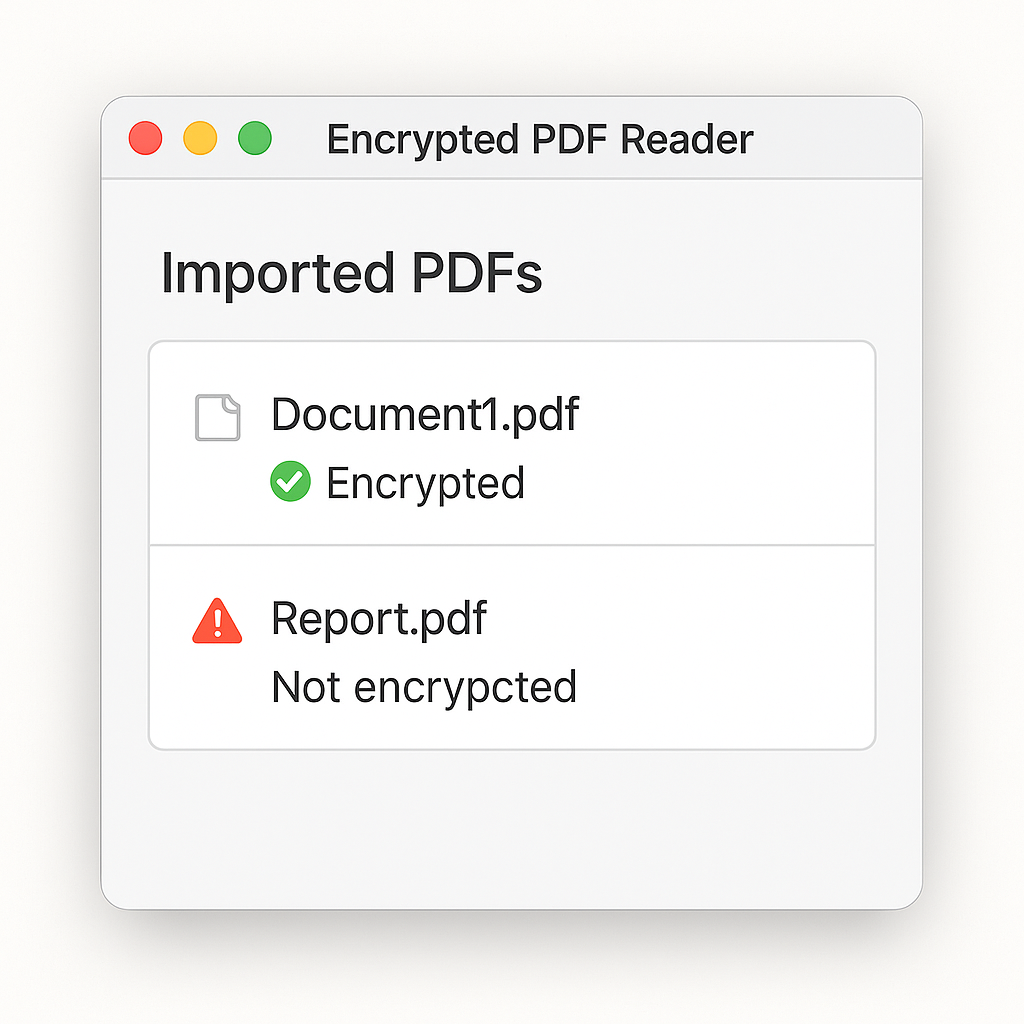
KeyGuard PDF app interface showing secure document library

App screenshot: encrypted PDF library

How It Works

Your documents are protected with military-grade encryption, controlled entirely by you.

1

Create or Import

Create a new PDF document or import an existing file into the app. Your document is ready for encryption.

2

Local Encryption

The document is encrypted locally on your device using strong encryption algorithms before any data leaves your computer.

3

Key Generation

A unique access key is generated and stored securely. Only you and those you explicitly share the key with can access the document.

4

Secure Access

The encrypted document can only be opened inside the app and only with the correct key. Without the key, the file remains unreadable.

Security by Design

Built with privacy and security as core principles, not afterthoughts.

End-to-end encryption ensures that your PDF files are encrypted before leaving your device and decrypted only on trusted devices that have the correct key. The encryption process happens entirely on your local machine, giving you complete control over your data.

Our zero-knowledge architecture means that servers cannot read your file content and do not store encryption keys. Even if someone gains access to our servers, your documents remain protected because the keys never leave your control.

Keys controlled by you: The document creator controls who can access the file. Only key holders can open the PDF, and keys are never transmitted in plain text. Even if someone intercepts your encrypted PDF file, it remains unreadable without the key. When synced to the cloud, files stay encrypted end-to-end.

Keys Stay With You

Encryption keys are generated and stored only on your device. You control who has access to your documents.

Zero-Knowledge by Design

Our servers cannot read your file content. We don't have access to your encryption keys or plain-text documents.

Protected Against Data Breaches

Even if someone gains access to your encrypted PDF files, they remain unreadable without the correct key.

Modern, Proven Encryption

We use industry-standard encryption algorithms that are trusted by security experts worldwide.
Why Choose KeyGuard PDF

Powerful security doesn't mean sacrificing usability. Experience the best of both worlds.

📖

Ease of Use

Read and annotate encrypted PDFs inside the app with the same simplicity as standard PDF readers. Opening encrypted files feels natural and intuitive, with no complex setup required.

🔄

Cross-Platform

Works seamlessly across all your devices. Available for Windows, macOS, Linux, Android, and iOS. Your encrypted documents sync securely across platforms while remaining encrypted.

High Performance

Fast opening and smooth navigation even for large documents. Optimized encryption and decryption ensure minimal impact on performance.

📁

Smart Organization

Organize your documents with folders, tags, and search by document name. Metadata is accessible without exposing file contents, keeping your organization efficient and secure.

📴

Offline Access

Access your encrypted documents without an internet connection. All decryption happens locally on your device, ensuring you can work anywhere, anytime.

See the App in Action

A clean, intuitive interface designed for security and productivity.

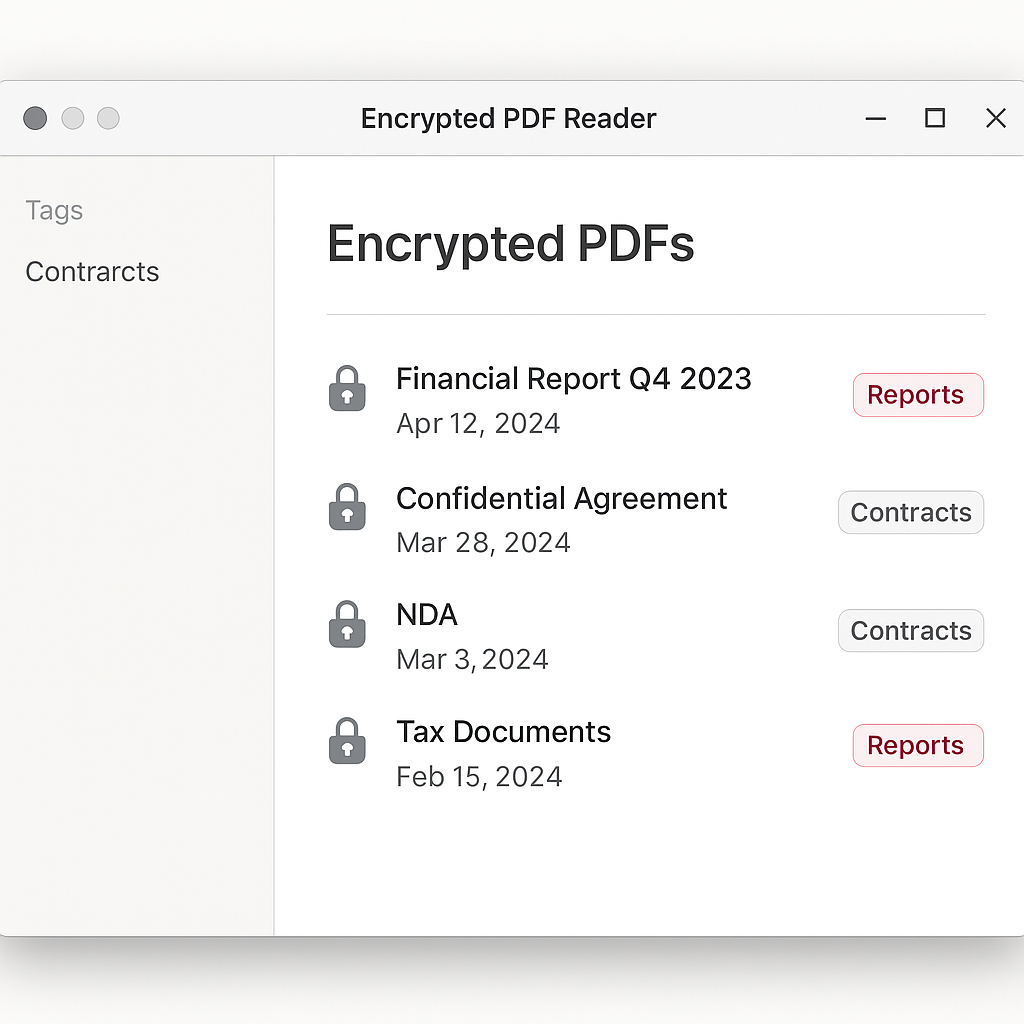
Encrypted PDF library view with document list, tags, and last opened dates

Encrypted PDF library with titles, tags, and last opened date

Secure PDF viewer with annotation tools and encryption status indicator

Secure PDF viewer with notes panel and encryption status indicator

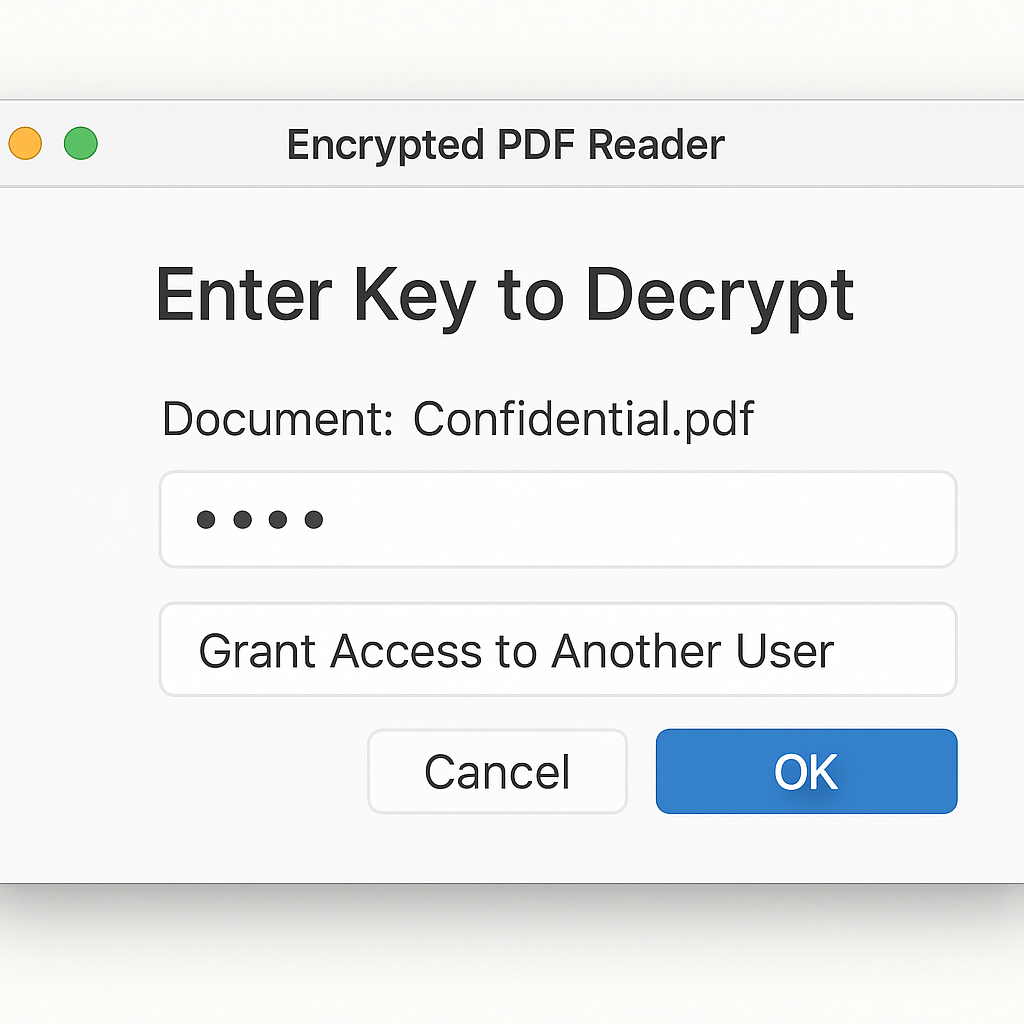
Key management interface for sharing secure access to documents

Enter your key to unlock the document or share secure access

Download KeyGuard PDF

Get started with secure, encrypted PDF management on your preferred platform.

Who Is It For?

Perfect for anyone who values privacy and security in document management.

Lawyers and Law Firms

Protect confidential contracts, legal documents, and client information with end-to-end encryption. Ensure that sensitive legal materials remain secure and accessible only to authorized parties.

Doctors and Clinics

Safeguard sensitive medical records and patient information. HIPAA-compliant encryption ensures that health data remains protected while maintaining easy access for authorized medical professionals.

Businesses and Startups

Secure financial reports, internal strategies, trade secrets, and proprietary information. Protect your competitive advantage with zero-knowledge encryption that keeps your data private.

Individual Users

Keep personal documents, IDs, tax forms, and private notes secure. Your personal information stays private, with encryption keys that only you control.

Frequently Asked Questions

Everything you need to know about KeyGuard PDF.

What happens if I lose my encryption key?

Only you have access to your encryption keys. If you lose your key, we cannot recover your encrypted documents, as we don't have access to your keys or plain-text files. We strongly recommend keeping a secure backup of your keys in a safe location, such as a password manager or encrypted storage device.

Can you decrypt my documents for me?

No. Our zero-knowledge architecture means we cannot decrypt your documents. We don't have access to your encryption keys or plain-text files. This is by design to ensure your privacy and security. Only you and those you share keys with can decrypt your documents.

Is it safe to store my files in the cloud?

Yes. When you sync your encrypted PDFs to the cloud, they remain encrypted end-to-end. Even if someone gains access to the cloud storage, your files are unreadable without the encryption key. The encryption happens on your device before upload, ensuring your documents stay protected.

Is the app complicated to use?

Not at all. KeyGuard PDF is designed with simplicity in mind. Opening and reading encrypted PDFs feels as natural as using any standard PDF reader. The encryption happens automatically in the background, so you can focus on your work without worrying about complex security settings.

What encryption algorithms do you use?

We use industry-standard, proven encryption algorithms that are trusted by security experts worldwide. Our encryption methods are regularly updated to ensure they meet the latest security standards and best practices.
Can I share encrypted PDFs with others?

Yes. You can share encrypted PDFs with others by securely sharing the encryption key. Only people with the correct key can open the document. The sharing process is designed to be secure, ensuring that keys are never transmitted in plain text.